Intel Core i5-2400 Review
Manufacturer: IntelUK price (as reviewed): TBC
US price (as reviewed): $184 (ex tax)
After a cup of tea to recover from the incredible performance of the two K-series CPUs, we grew curious as to how a supposedly locked non-K-series CPU would perform. The Core i5-2400 is a nominally 3.1GHz CPU that can boost up to 3.4GHz if only one core is in use – this rarely occurs, as Windows shuffles even single-threaded applications from one core to another to keep a multi-core CPU responsive.
However, the way that the i5-2400 spent most of its time at 3.2GHz or 3.3GHz led to a solid overall score of 1,850 in our Media Benchmarks. This is faster than a stock-speed Core i7-950 by roughly 100 points, and faster than AMD’s X6 1100T BE by more than 400 points.
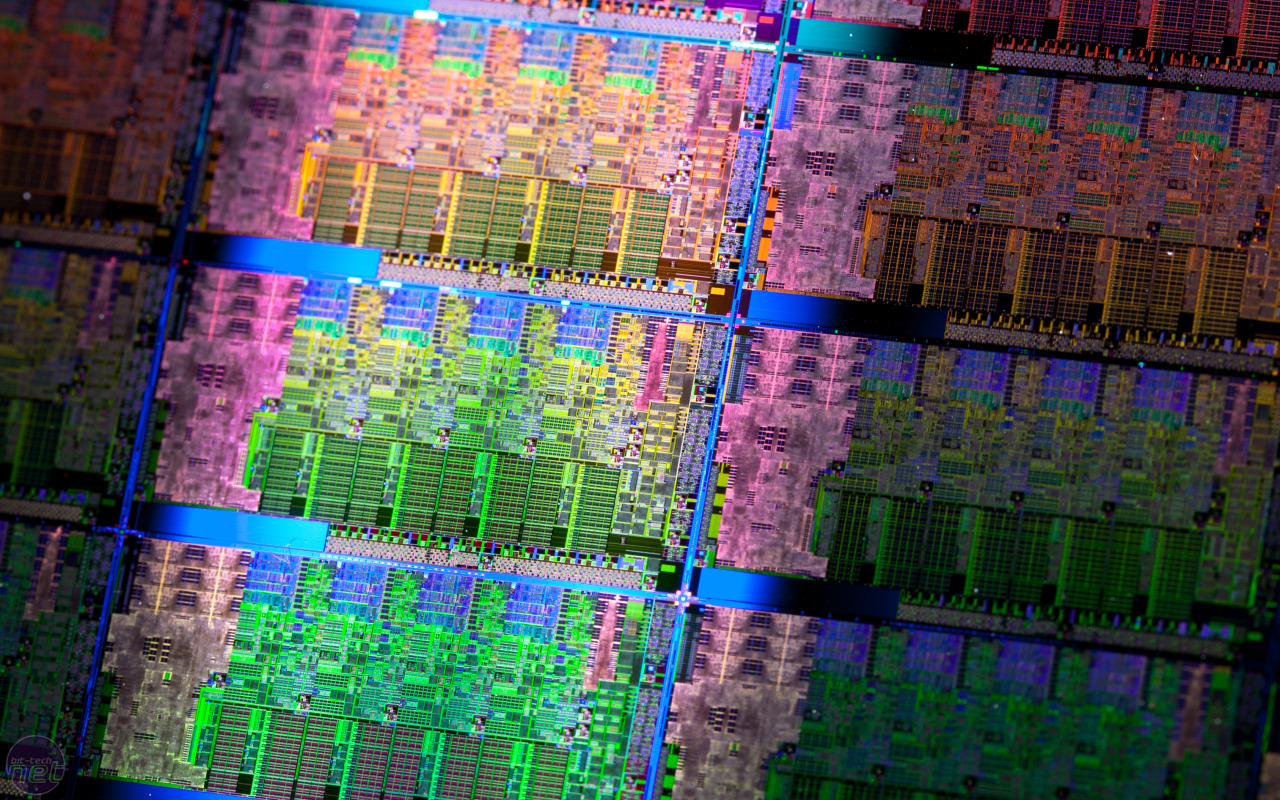
All these dies will probably be hoping they cut the grade as K-series, and
not be trapped in Core i5-2400 packages...
Gaming performance wasn’t quite as stellar as it was with the other Sandy Bridge CPUs, though, with Crysis dipping to a minimum of 29fps – of the CPUs we tested for this review, only the X6 1100T BE was slower. The i5-2400 was resurgent in X3, however, where it outperformed the i7-980X.
As expected, the power draw of our test system with the i5-2400 installed was remarkably low, with only 75W being sucked from the wall at idle and 142W when it was under full load.
However, the aspect that interested us most was how we could overclock this locked CPU. Non-K-series Sandy Bridge CPUs can be forced to Turbo Boost to a far greater degree, so we headed into the BIOS and tried to set a 47x CPU multiplier. This turned out to be way too optimistic, though, as the BIOS would only let us set a CPU multiplier of 38x at the most.
We then overclocked the Base Clock to its maximum of 105MHz, set the Load Line Calibration to Extreme, sent 1.1V through the VCCSA and 1.10625V through the VCCIO. We didn’t add any extra voltage to the CPU, either via the vcore or the PLL, and yet when we booted into Windows, the system ran Prime95 for hours.
While a combination of a 38x CPU multiplier and 105MHz Base Clock should have given us a 3.99GHz CPU frequency, the i5-2400 would only hit this frequency if a single-threaded application was locked to a single core (we set one instance of the smallfft test to run on core 0, for example). For the rest of the time, the i5-2400 fluctuated between a frequency of 3.78GHz and 3.99GHz – we’ll therefore say that we overclocked the i5-2400 to up to 3.99GHz. See How to Overclock an LGA1155 CPU for more details on how we overclocked all the CPUs on test.
However odd it sounds to be talking of an overclock of up to a frequency, it’s truly scary for AMD fans that a low-end Sandy Bridge CPU can hit speeds of up to 3.99GHz with no extra CPU voltage – it suggests that there’s masses of frequency (and therefore performance) headroom in the Sandy Bridge architecture.
When overclocked, the i5-2400 didn’t show the same performance increase that we saw from the K-series CPUs, but this is hardly surprising given that it was only overclocked by up to 890MHz rather than the 1.6GHz of the i5-2500K. We still saw fast scores from the CPU, with Cinebench R11.5 returning 6.05 – faster than a stock-speed X6 1100T BE – and Crysis running with a minimum of 32fps. The overall Media Benchmarks score rose from 1,850 to 2,152, which isn’t a bad result from overclocking a supposedly locked CPU.
Conclusion
We were surprised to see so much performance and overclockability from this supposedly low-end and multiplier-locked quad-core CPU. However, it's not that much cheaper than the incredible Core i5-2500K so we struggle to see the point of it. It might be very fast and power efficient, but you get so much more processor for your money with the i5-2500K.- 8/10
- 8/10
- 7/10
- 7/10
Specifications
- Frequency: 3.1GHz
- Core: Sandy Bridge
- Manufacturing process: 32nm
- Number of cores: 4 x physical
- Cache: L1: 64KB + 64KB (each core), L2: 512 KB (each core), L3: 6MB (shared)
- Memory controller: Dual-channel DDR3, 1,333MHz
- GPU: HD 2000
- Packaging: LGA1155
- Thermal Design Power (TDP): 95W
- Features: SSE, SSE2, SSE3, SSSE3, SSE4, SSE4.2, EM64T, EIST, Execute Disable Bit, VT, AES-NI, Turbo Boost 2.0, AVX, Quick Sync Video

 Tip: The easiest place to get this compound in North America is at Radio Shack, which sells it for about $3 a tube. A single tube is enough for a good dozen processor treatments.
  Note: Some processors come from the manufacturer with the heat sink glued or similarly permanently attached to the chip already. These heat sinks do not require heat sink compound. (This does not always apply to chips you get from a systems vendor.)
 Warning: Do not put strawberry jam on your processor. :^)